
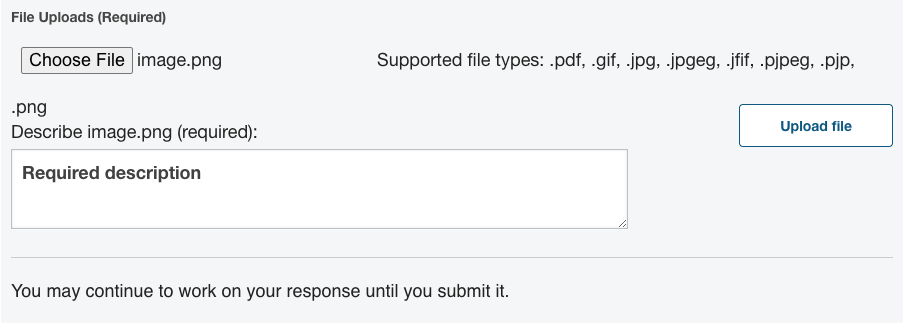
If your ORA assignment requires or allows you to submit images or other types of files, you must complete the required Describe field. This is an option if below the response field you find two buttons: Browse or Choose File on one side of the page, and Upload File on the other side of the page.

If these buttons are not available, then uploading a file is not an option for this particular assignment.
You must complete the required description field
If the Upload file button is available, the Describe field is required to help learners who cannot see or access the file understand and evaluate your response. The Upload file button will not activate until you enter a description in the Describe field.
Accepted file types
Open response assessments can only accept files of type .pdf, .gif, .jpg, .jpgeg, .jfif, .pjpeg, .pjp, .png. If you have a different file type to submit, you must convert it into one of these formats in order to submit.
Leave a Reply
You must be logged in to post a comment.